
Draw and Show
A wordless, live space to draw with someone you love.


A wordless, live space to draw with someone you love.
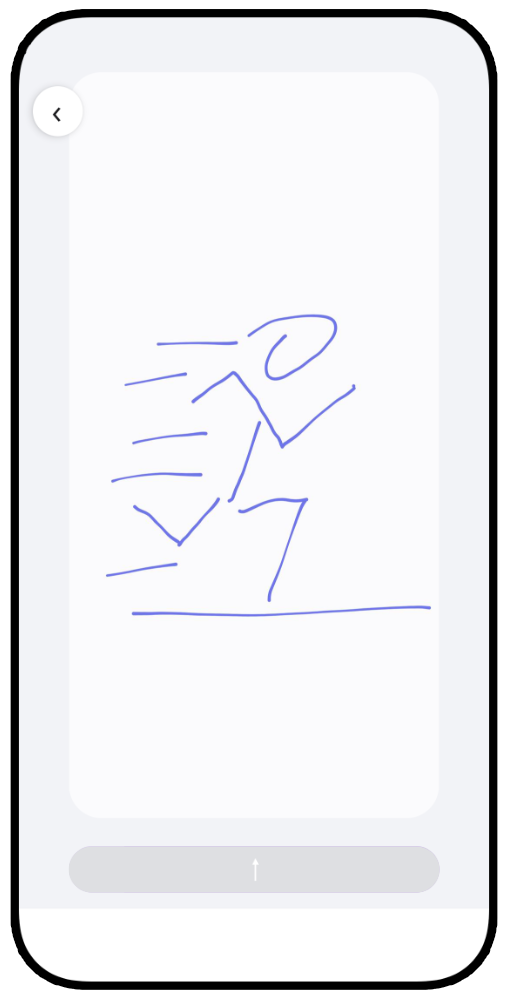
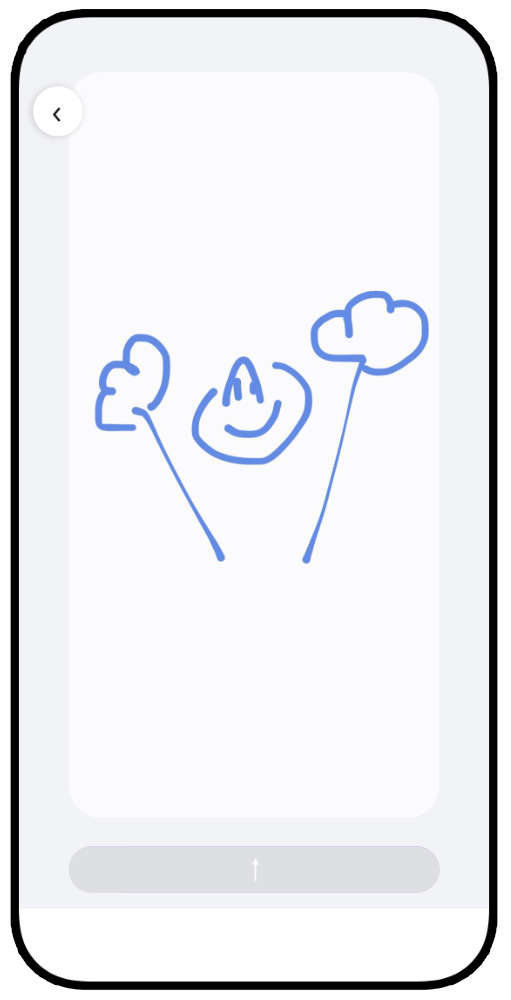
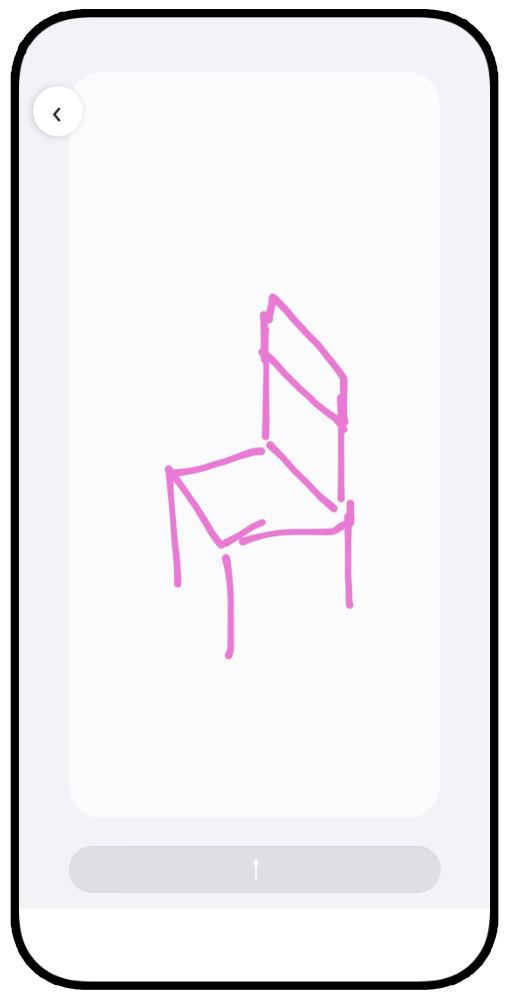
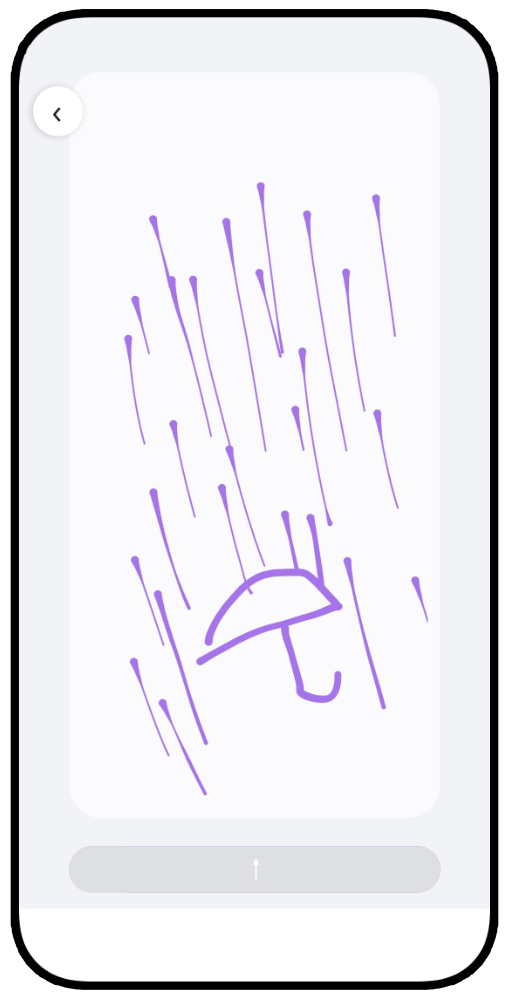
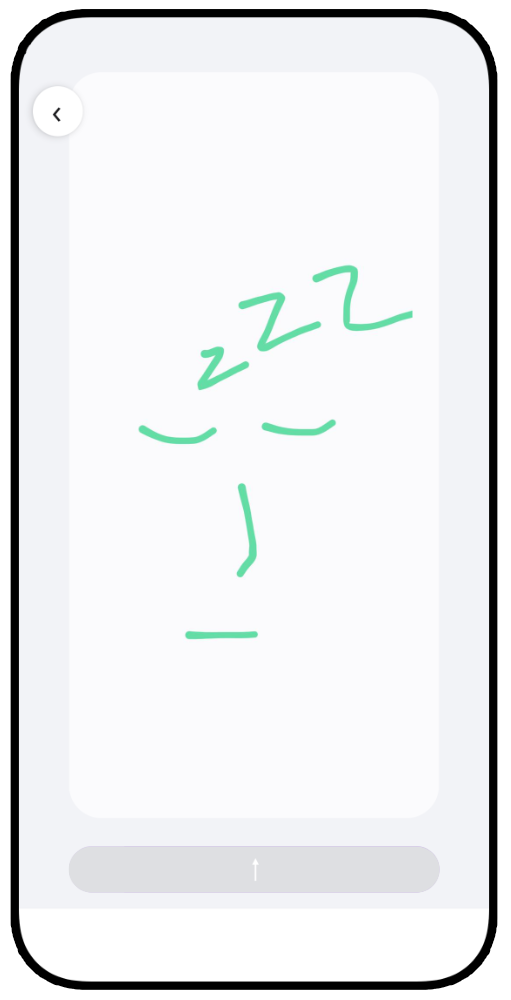
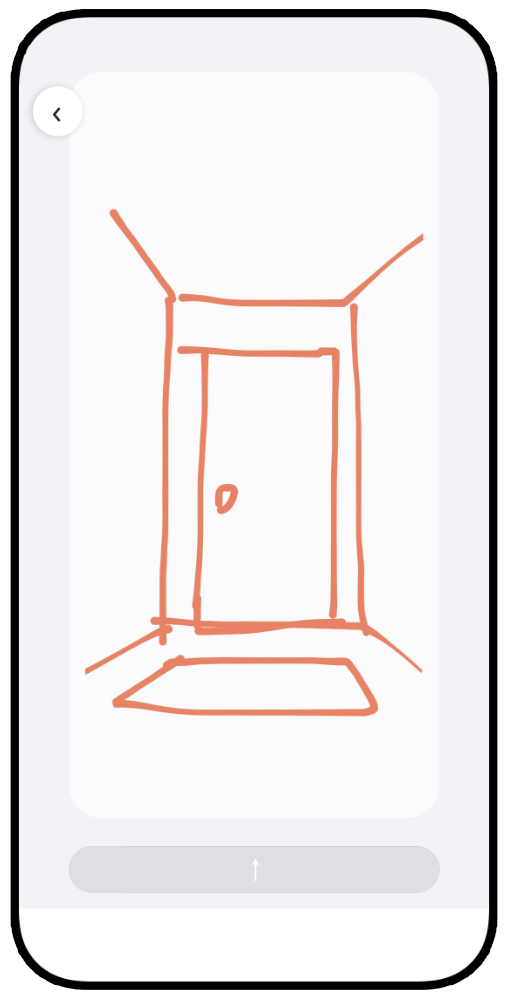
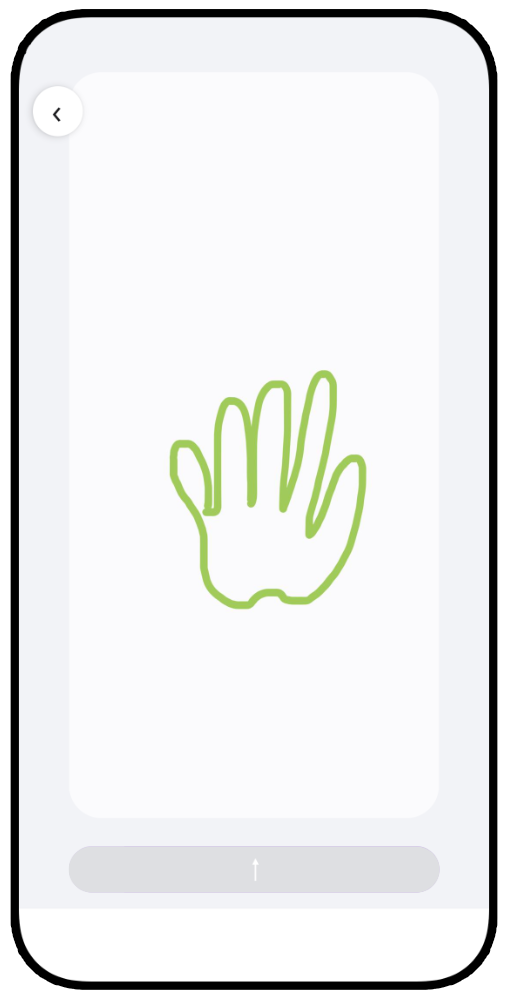
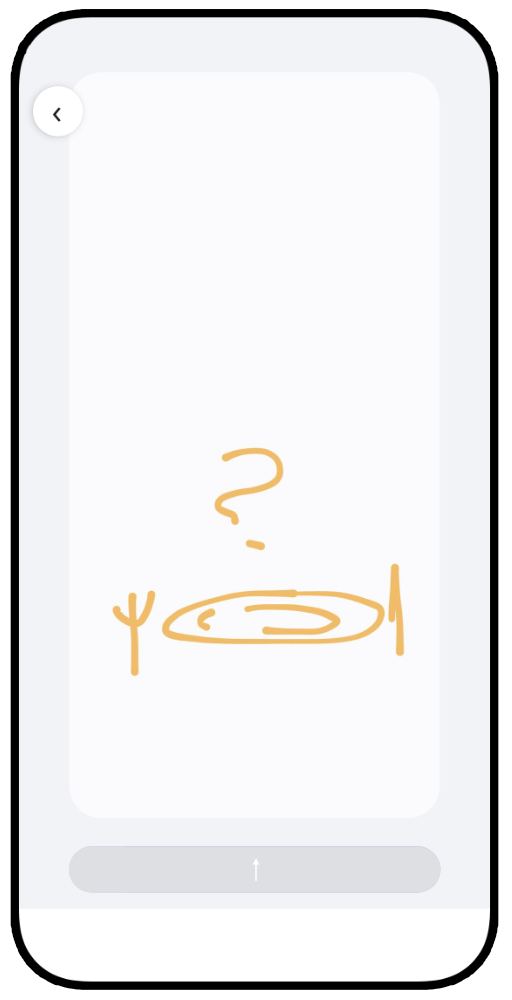
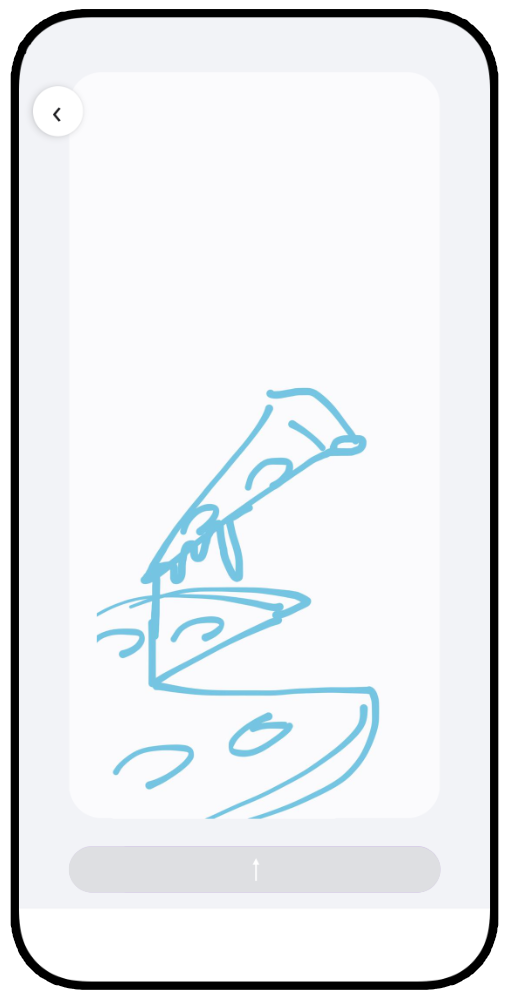
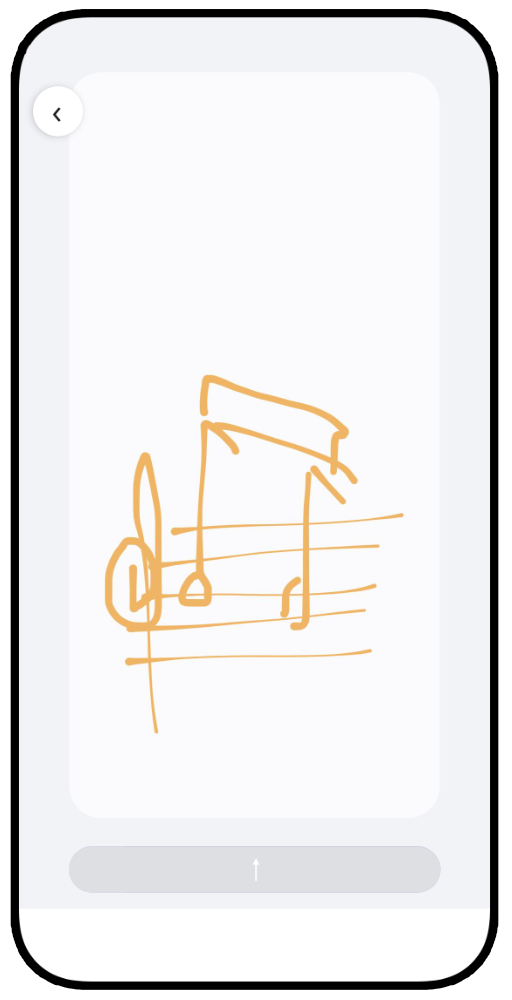
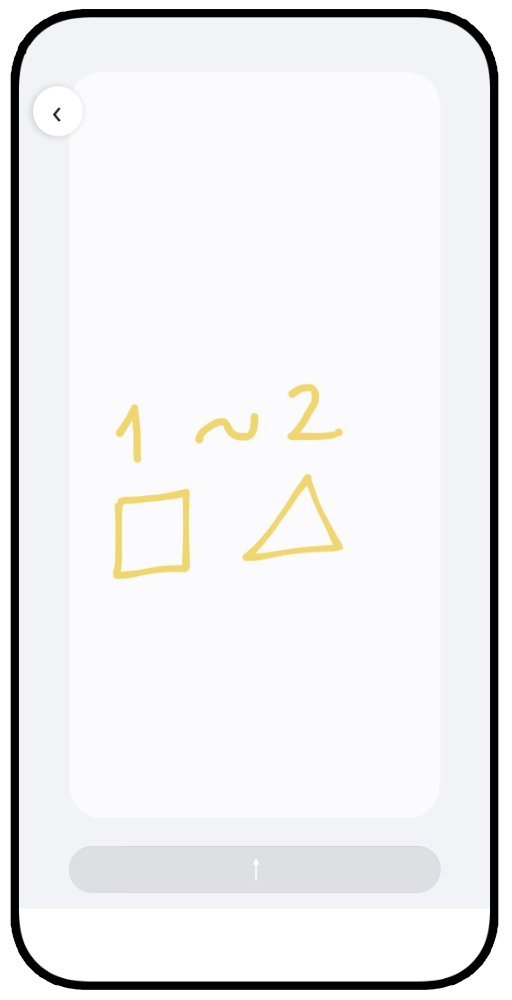
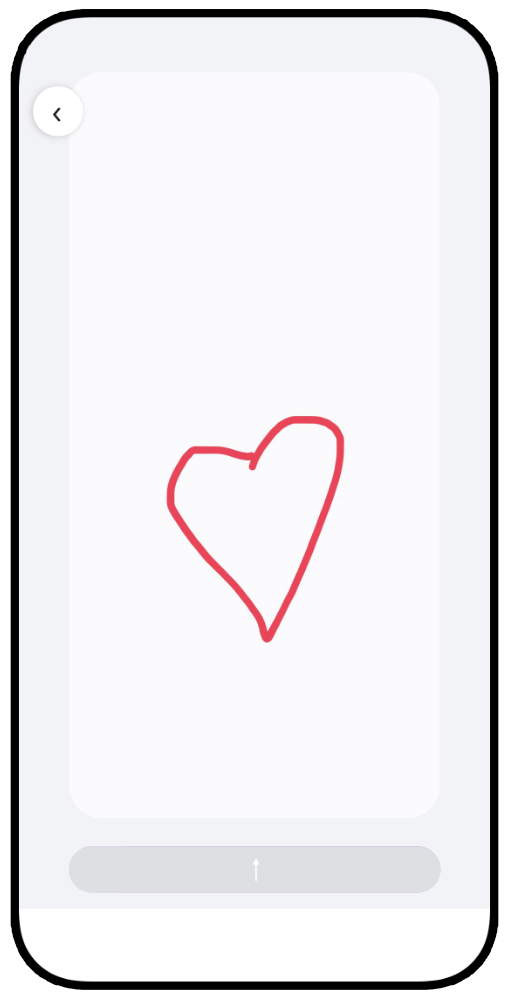
A messaging app with no text: you talk only in lines. What you send isn’t a picture but the way you drew it, with your speed, your pauses and your rhythm. The other person watches it exactly as you drew it.
On purpose. Drawing time is kept too short for handwriting. The point isn’t words; it’s showing someone you gave them a few seconds of your time.
No. Tap “Continue without an account” and just pick a username; no email, password or phone number needed. Keep in mind that this account lives only on that phone.
An unlinked account can’t be recovered if you delete the app or switch phones. Link Apple (on iPhone) or Google under Profile › Sign in, and your rooms, drawings and saved items move with you to a new phone. Also, an unlinked account that isn’t opened for 180 days may be deleted.
Open a room, draw with your finger and tap the send button at the bottom. You get 15 seconds per drawing, and the timer only runs while your finger is on the screen. Once sent, the canvas clears and you can draw again right away.
When you open the room, new drawings play on their own at the speed they were drawn; nothing is sped up. Tap the screen to pause, then continue or choose “Skip to end”. To watch an older drawing again, tap it on the timeline at the bottom.
Pause a drawing while it plays and this option appears. The finished drawing becomes a base layer on your canvas; you add to it in your own color and send it back. That way you can take turns on the same picture.
When a new drawing arrives, when someone invites you, when you’re removed from a group, or when someone saves your drawing to their phone or shares it. Live mode doesn’t send notifications. You can turn them off with the switch in Profile › Notifications or in your phone’s settings.
A room is the shared drawing space between you and one other person. A group is the same space for up to 6 people; whoever creates it is the admin and can add or remove members. Everyone in a room has their own color, so you can always tell who drew what.
Tap + and search for their exact username. Or use “Invite with a link” and send the link from any app; each link works for one person and expires after 24 hours. The room opens once they accept.
When two people are in a room at the same time, live mode starts on its own. Lines appear on the other screen instantly and fade gently after a few seconds; there’s no time limit and no send button. It ends when someone leaves the room.
A shared board you can turn on during live mode: lines don’t fade, so you can sketch ideas together. It’s cleared when it’s turned off or when the last person leaves the room; tap the screenshot button if you want to keep it. In groups, only the admin can turn it on or off.
Long-press the drawing on the timeline and choose “Save”. A copy goes to Profile › Saved and stays there even if the original disappears from the room. The other person isn’t notified; you can keep up to 30 drawings.
Drawings on Draw and Show are temporary. A drawing is deleted 24 hours after everyone in the room has watched it; one nobody has watched waits for up to 90 days. A room holds up to 30 drawings; when it needs space, the oldest watched drawing goes first. Save the ones you want to keep.
Yes. Long-press it on the timeline and choose “Delete”; it disappears for everyone, and the other person isn’t notified. You can’t delete someone else’s drawing, but you can hide it from yourself with “Remove from my feed”.
The home screen widget shows the finished version of the latest drawing you received; tap it to open that room. In Profile › Widget you can switch it to a single room or a drawing you choose. To choose one, long-press it on the timeline and tap “Show on widget”.
Draw and Show is for ages 13 and up. On first launch we ask only for your birth year; it stays on your phone and isn’t sent to our servers. People under 18 don’t appear in search, so you can add them only with an invite link.
Choose “Block this person” from the menu on their row in your room list, or “Block” on an invite they sent you; they won’t be able to send you drawings or invites again. To report an inappropriate drawing, long-press it on the timeline and choose “Report”; to report a profile photo, long-press the photo. The person you report isn’t notified.
Use “Delete account” at the very bottom of Profile. You’ll first see what gets deleted and what stays, then type your username to confirm. Deletion is permanent: your profile, every drawing you sent, your saved drawings and your block list are gone.
We don’t ask for your email, phone number, location or contacts; we don’t show ads or sell data. Only the people in a room can see its drawings, and moderators look at drawings only when they’ve been reported. Details are in the Privacy Policy.